Getting started
Get up and running with OctoPunk in just a few minutes.
Download
OctoPunk is available exclusively on macOS, distributed through the Mac App Store.
Visit the Homepage and click "Get it on the Mac App Store".
Installation
OctoPunk installs like any other Mac app: open the Mac App Store, search for OctoPunk, and click Install. Updates are delivered automatically through the App Store.
Authentication
When OctoPunk is launched for the first time a welcome screen will greet you.
This welcome screen prompts you to authenticate with GitHub.
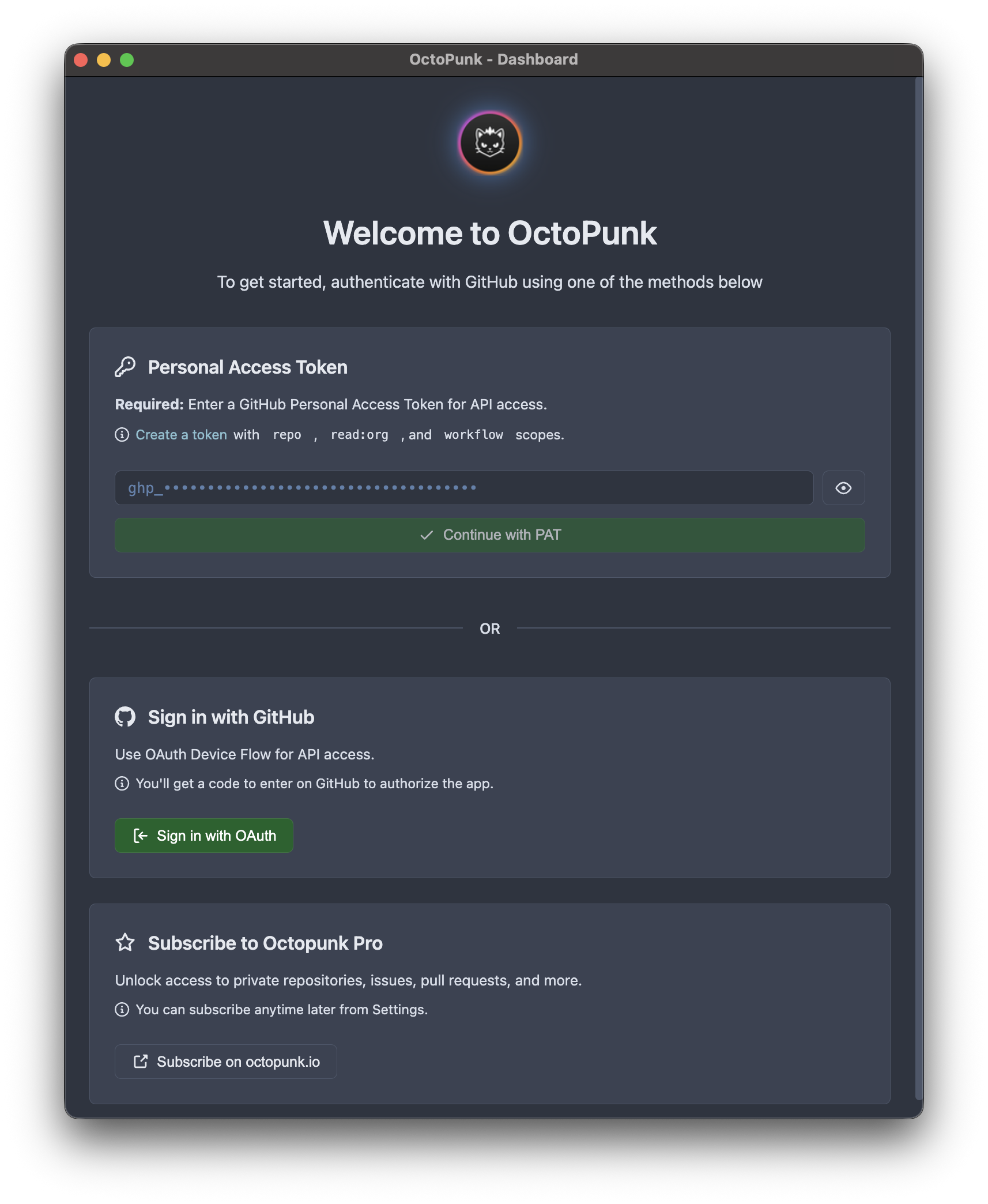
You can authenticate with an API token or via the OAuth flow.
API Token
This is OctoPunk's preferred authentication method.
When using an API token OctoPunk is acting on behalf of your user. This is the
same authentication mode as the gh CLI tool.
Because OctoPunk is a full-fledged GitHub platform client, a token which grants full access to GitHub resources is suggested. However, you are free to create a scoped down token for usage in OctoPunk as well. Just be aware that some parts of OctoPunk may fail to work if the token does not have the necessary permissions.
OctoPunk works with both classic and fine-grained tokens.
See https://docs.github.com/en/authentication/keeping-your-account-and-data-secure/managing-your-personal-access-tokens for in-depth documentation on creating and managing API tokens.
OAuth
OctoPunk supports OAuth authentication. However, due to OctoPunk being a full-fledged GitHub platform client, this authentication method can be less convenient.
When authenticating via OAuth OctoPunk is presenting itself as a GitHub application to the GitHub platform. This is a different security model than token-based authentication.
When using OAuth, resources you access such as repositories will need to grant permissions to the OctoPunk application. And this will have to be done on a per-organization or per-resource level.
The advantage to this model is not having to manage any tokens, but the disadvantage is that you will have to grant permissions to OctoPunk for any resource you want to access.
This model may work for you or your organization, if you want to scope OctoPunk's access to only a few resources.